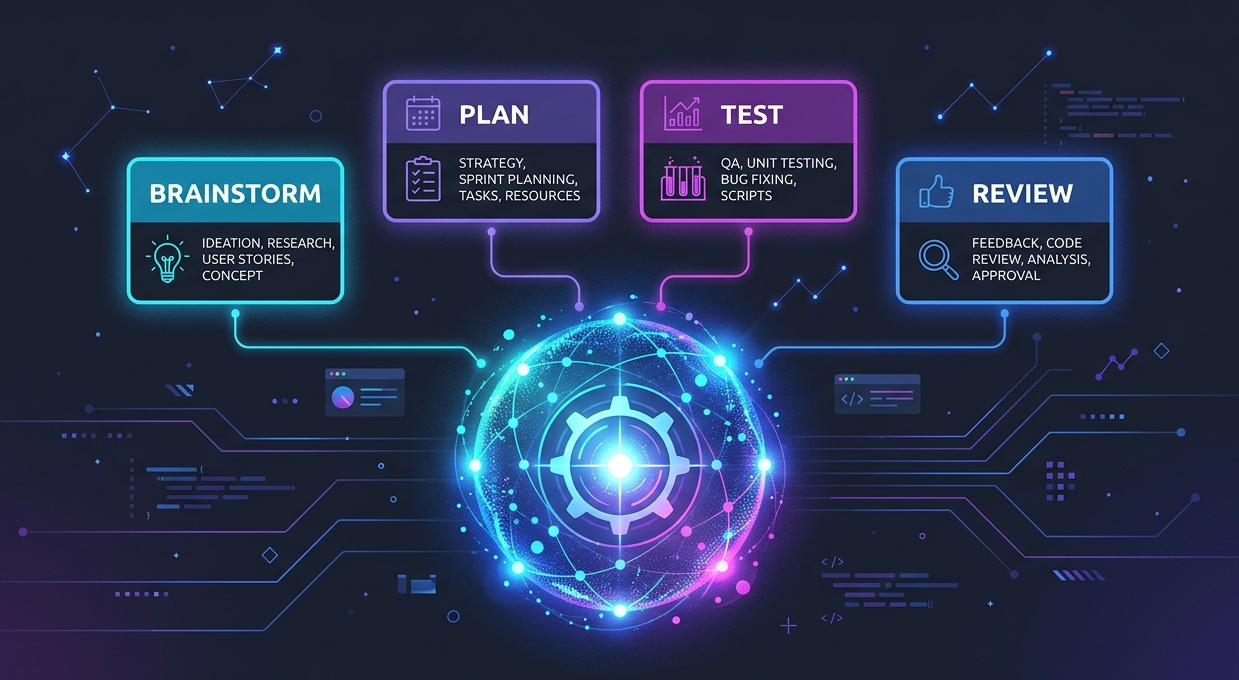
If you've used AI coding agents for a while, you've probably hit that frustrating moment where it just... starts writing code. No questions, no plan, just vibes. You describe a feature and it goes straight into implementation mode, makes a bunch of assumptions, and you end up with something that technically compiles but misses the point entirely.
That's the problem Superpowers solves.
Superpowers is a plugin that gives your AI coding agent a proper development workflow — brainstorming, planning, test-driven development, code review, the whole thing. And the best part? It happens automatically. You don't have to remind your agent every single time.
How It Works
Superpowers is built around skills — structured workflows your agent follows before taking any action. The moment you mention a feature, the agent doesn't rush to write code. Instead, it checks if a skill applies, loads it, and follows the process.
The key skills are:
/using-superpowers— bootstraps the whole system at the start of a conversation/brainstorming— for designing features and understanding requirements/writing-plans— turns a design into a concrete implementation plan/executing-plans//subagent-driven-development— actually builds the thing/test-driven-development— enforces red-green-refactor during implementation/systematic-debugging— for bugs, uses structured root cause analysis/requesting-code-review— pre-review checklist before marking work done/receiving-code-review— handles incoming feedback without blindly accepting it
Let's walk through what this actually looks like in practice.
Building a Feature
It Starts With Brainstorming
When you start a new conversation with your agent, /using-superpowers kicks in automatically. From that point, whenever you describe something you want to build, the agent activates the /brainstorming skill before writing a single line of code.
Here's what brainstorming actually does step by step:
1. Asks clarifying questions Instead of assuming, the agent asks. What's the goal? Who's the user? What does success look like? What edge cases matter? It pulls the real requirements out of the conversation rather than guessing from a one-liner.
2. Explores approaches together It suggests different ways to solve the problem and explains the tradeoffs. You're not locked into the agent's first instinct — you get to weigh options and pick what makes sense for your project.
3. Writes a spec document Once you've aligned on the approach, it creates a proper spec. This includes what the feature does, what it doesn't do, key decisions, and edge cases to handle. You review it in chunks so it's actually readable, not a wall of text.
4. Writes a design document Alongside the spec, it documents the technical design — what changes, what the data model looks like, what APIs are involved. This uses the /writing-skills methodology to make sure it's structured and useful.
5. Waits for your sign-off Nothing moves forward until you approve the design. It won't sneak into implementation mode while you're still thinking.
Then It Plans
Once the design is approved, the /writing-plans skill kicks in. It breaks the work into small, concrete tasks — each one 2 to 5 minutes of work with exact file paths, full code examples, and verification steps.
The plan is specific enough that even an agent with no project context can follow it without making stuff up.
Then It Builds
With the plan ready, /subagent-driven-development (or /executing-plans) takes over. It spins up fresh subagents per task, has them do the work, then reviews their output in two stages:
- Did it follow the spec?
- Is the code actually good?
This is where Superpowers really shines. It's not uncommon for your agent to work autonomously for an hour or two without going off the rails, because every step is grounded in the plan you already approved.
Debugging a Bug
Debugging with Superpowers follows a different path — it uses /systematic-debugging combined with strict test-driven development.
Here's the exact flow:
1. Understand the bug first The agent doesn't guess. It goes through a structured 4-phase root cause process — reproduce it, isolate it, trace it, confirm it.
2. Write a failing test Before touching any implementation code, it writes a test that captures exactly the broken behavior. This is the RED step.
3. Run the test — watch it fail It actually runs the test and confirms it fails. This proves the test is real and catches the actual bug.
4. Write the minimal fix Now it writes just enough code to make the test pass. No refactoring, no extra changes, just fix the thing.
5. Run the test again — watch it pass GREEN. The test passes. Bug is fixed and proven with a test.
6. Refactor if needed Clean up without breaking anything. Tests stay green.
This means every bug fix comes with a regression test baked in. You're not just fixing the bug — you're making sure it can't silently come back.
Code Review Skills
/requesting-code-review
This runs before you mark any work as done or open a PR. It goes through a checklist — are all tasks from the plan complete? Do tests pass? Did anything break that wasn't supposed to change? It catches the obvious stuff before a human reviewer has to.
Think of it as your agent doing a self-review before asking for yours.
/receiving-code-review
This one handles incoming code review feedback. When a reviewer leaves comments, the agent doesn't just blindly accept every suggestion. It:
- Reads the feedback carefully
- Evaluates each point — is it a real issue or a stylistic preference?
- Asks clarifying questions if something isn't clear
- Implements the changes that make sense
- Pushes back (politely) on things that don't
This is huge. Agents that blindly apply every review comment often make things worse. This skill adds judgment to the process.
Installation
Claude Code
The easiest way — install from the official marketplace:
/plugin install superpowers@claude-plugins-official
Or via the Superpowers marketplace:
/plugin marketplace add obra/superpowers-marketplace
/plugin install superpowers@superpowers-marketplace
Cursor
In Cursor Agent chat:
/add-plugin superpowers
Or search "superpowers" in the plugin marketplace.
Gemini CLI
gemini extensions install https://github.com/obra/superpowers
GitHub Copilot CLI
copilot plugin marketplace add obra/superpowers-marketplace
copilot plugin install superpowers@superpowers-marketplace
Windsurf, Zed, or Any Other AI Tool Not Listed
Use Smithery CLI to install skills one by one:
npx @smithery/cli@latest skill add obra/using-superpowers
npx @smithery/cli@latest skill add obra/brainstorming
npx @smithery/cli@latest skill add obra/writing-plans
npx @smithery/cli@latest skill add obra/executing-plans
npx @smithery/cli@latest skill add obra/test-driven-development
npx @smithery/cli@latest skill add obra/systematic-debugging
npx @smithery/cli@latest skill add obra/verification-before-completion
npx @smithery/cli@latest skill add obra/subagent-driven-development
npx @smithery/cli@latest skill add obra/dispatching-parallel-agents
npx @smithery/cli@latest skill add obra/using-git-worktrees
npx @smithery/cli@latest skill add obra/requesting-code-review
npx @smithery/cli@latest skill add obra/receiving-code-review
npx @smithery/cli@latest skill add obra/finishing-a-development-branch
npx @smithery/cli@latest skill add obra/writing-skills
A Fair Warning — Token Usage
Superpowers is powerful, but it's not cheap. All that brainstorming, planning, reviewing, and subagent orchestration adds up fast. Each skill loads structured context into the conversation, and when you're running subagent-driven-development across many tasks, you're burning through tokens quickly.
If you're on a limited plan or working on a large codebase, this can become a real concern.
Ways to Keep Token Usage Under Control
Use a knowledge graph tool like code-review-graph Instead of having your agent grep through files and read entire codebases to understand structure, a graph tool gives it structural context instantly — callers, dependents, impact radius — without reading hundreds of files. Tools like code-review-graph plug into your agent and replace expensive file scanning with targeted graph queries. Way fewer tokens for the same understanding.
Use Caveman Caveman is a skill (works on Claude Code, Codex, Gemini, Cursor, Windsurf, Copilot, and 30+ more) that makes your agent respond like a caveman — stripped of filler, pleasantries, and restated context. Same technical accuracy, just far fewer words. It cuts output tokens by around 75% and speeds up responses by roughly 3x. You can even pick your level: lite drops just the filler, full is default caveman mode, and ultra goes full telegraphic. Your code and error messages stay exact — only the prose gets compressed.
Use Headroom Headroom is a context compression layer that sits between your agent and the LLM. It compresses tool outputs, logs, files, RAG chunks, and conversation history before they reach the model — cutting 60 to 95% of input tokens while keeping the same answers. You can use it as a library, a proxy, an MCP server, or just wrap your agent with one command like headroom wrap claude. It runs locally so your data stays on your machine. As conversations get long and context starts to bloat, Headroom keeps the window clean without your agent losing track of earlier decisions.
The Tradeoff
Superpowers trades tokens for correctness. You're spending more tokens upfront on planning and review, but you're saving the tokens (and time) you'd otherwise spend fixing a bad implementation later. The key is pairing it with the right tools so the overhead stays manageable.
Why It Actually Matters
The real shift with Superpowers is that your agent stops being a code generator and starts being more like a disciplined engineer. It asks before assuming. It plans before building. It proves fixes work before moving on.
You still make all the decisions — you approve the spec, you approve the plan, you review the work. But the agent handles the process so you don't have to babysit every step.
If you've been frustrated with AI agents that go off the rails or miss the point, give Superpowers a try. It won't magically make every AI session perfect, but it gives the agent the structure it needs to do genuinely useful work.